Create & Edit PDFs Locally.
No Uploads. 100% Private.

Customize your PDFs seamlessly in your browser with zero data tracking, FREE to use, secure and watermark-free.

Open Editor

Secure Mode: Processing Locally on Your Device

Client-Side Only Instant Processing End-to-End Privacy

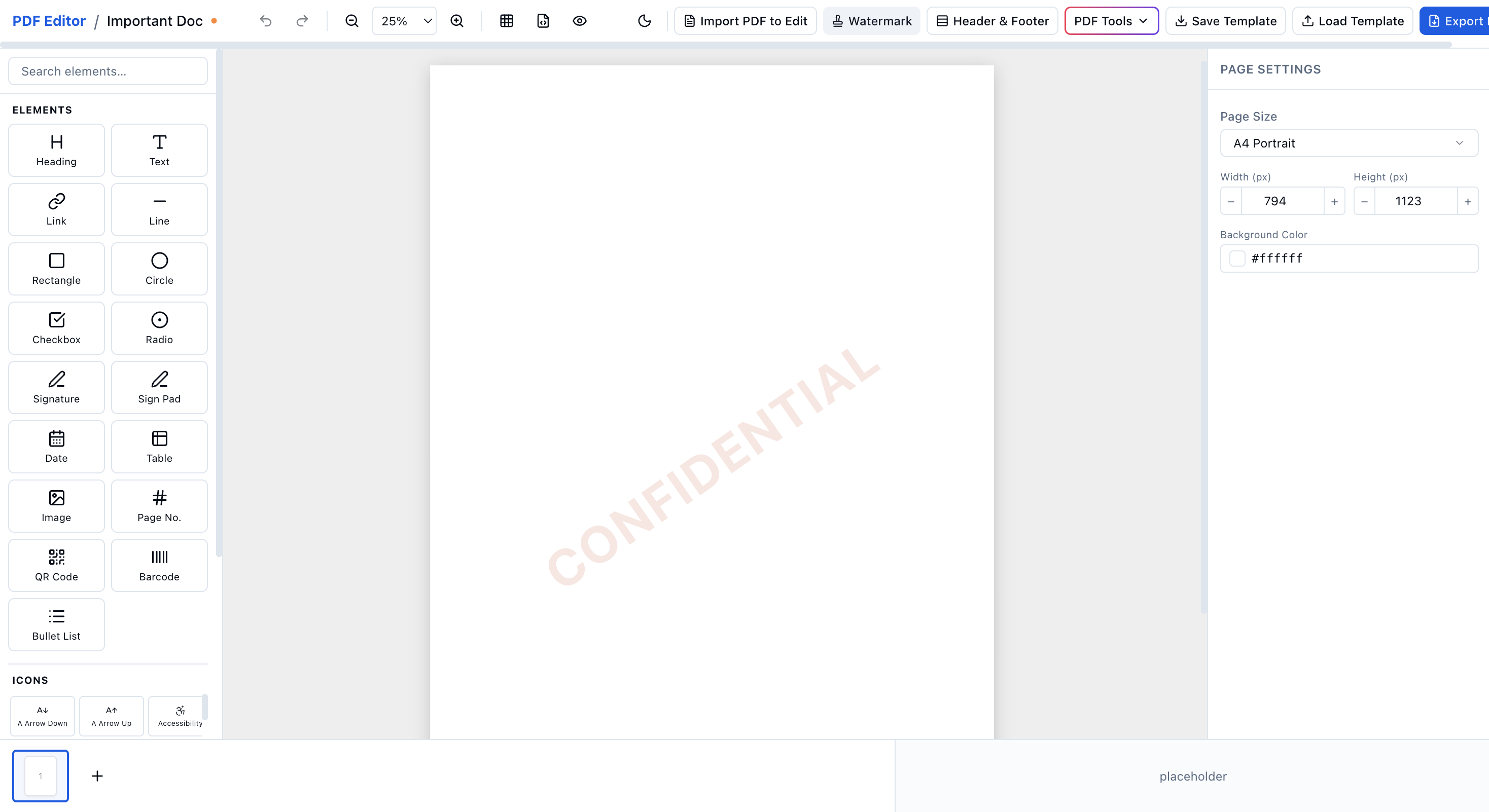
Create PDF from Scratch

Build and design your PDF in seconds, fully customizable from start to finish.
No templates. No limits. 100% your design.

Create PDF →

Local Creation (No Upload)

EdiPDF create PDF interface

Edit PDF Instantly

Customize your PDF like a pro: edit text, images, and elements with ease.
Fully browser-based and secure.

Edit PDF →

No signup needed. 100% watermark-free.
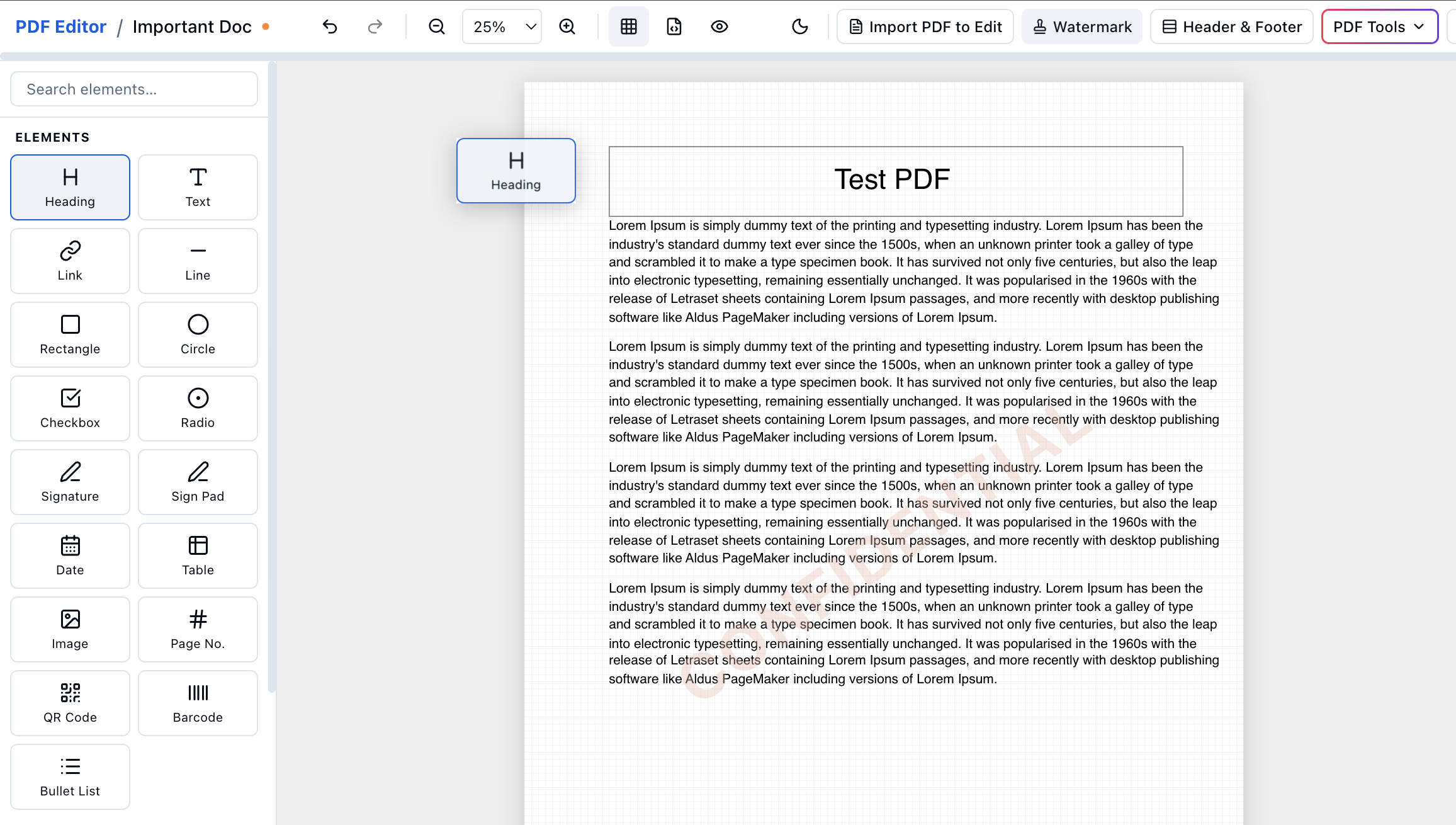
EdiPDF edit PDF interface

How EdiPDF Works

01

Open in Browser

Start instantly - no upload or signup required. Just open and go.

02

Create or Edit Your Way

All-in-one tools to create, merge, extract, and sign your PDF.

03

Download Instantly

Save your PDF directly to your device, secure and ready to use.

Try All PDF Tools

Why Choose EdiPDF?

Can I create a new PDF from scratch here?
Yes, you can start with a blank page and build a PDF from zero. EdiPDF lets you type text, drop in images, and move things around just like a word processor. Once you're happy with it, you can download a professional, watermark-free PDF instantly.
How do I edit a PDF without actually uploading it?
You can use EdiPDF to edit files directly in your browser. Our tool opens the PDF right on your computer. You make your changes, hit save, and you're done - all without your data ever leaving your device.
Is it actually safe to use EdiPDF for sensitive documents?
Yes, it's the safest way to work because we physically can't see your files. Since EdiPDF is a "client-side" tool, the processing happens on your own computer, not a cloud server. It's the ideal choice for handling sensitive files without uploading.
Do I need to make an account or pay a fee?
No accounts, no "pro" plans, and no hidden catches. You can use every feature - from merging files to signing documents immediately. We built a browser-based PDF tool that just works the second you land on the page, without asking for your email or credit card.
Can I also merge, split, or sign my PDFs?
Yes, all PDF tools are available in EdiPDF - just pick a tool and start. No upload required. Visit the Merge, Split, or Sign pages to get started.