PDF stands for Portable Document Format, a file format created by Adobe in 1993 to make document sharing simple and reliable. A PDF preserves the appearance of a document regardless of the device, operating system, or software used to open it.
Today, PDFs are one of the most widely used file formats in the world. From resumes and contracts to invoices, reports, and ebooks, PDFs have become the standard way to share documents digitally.
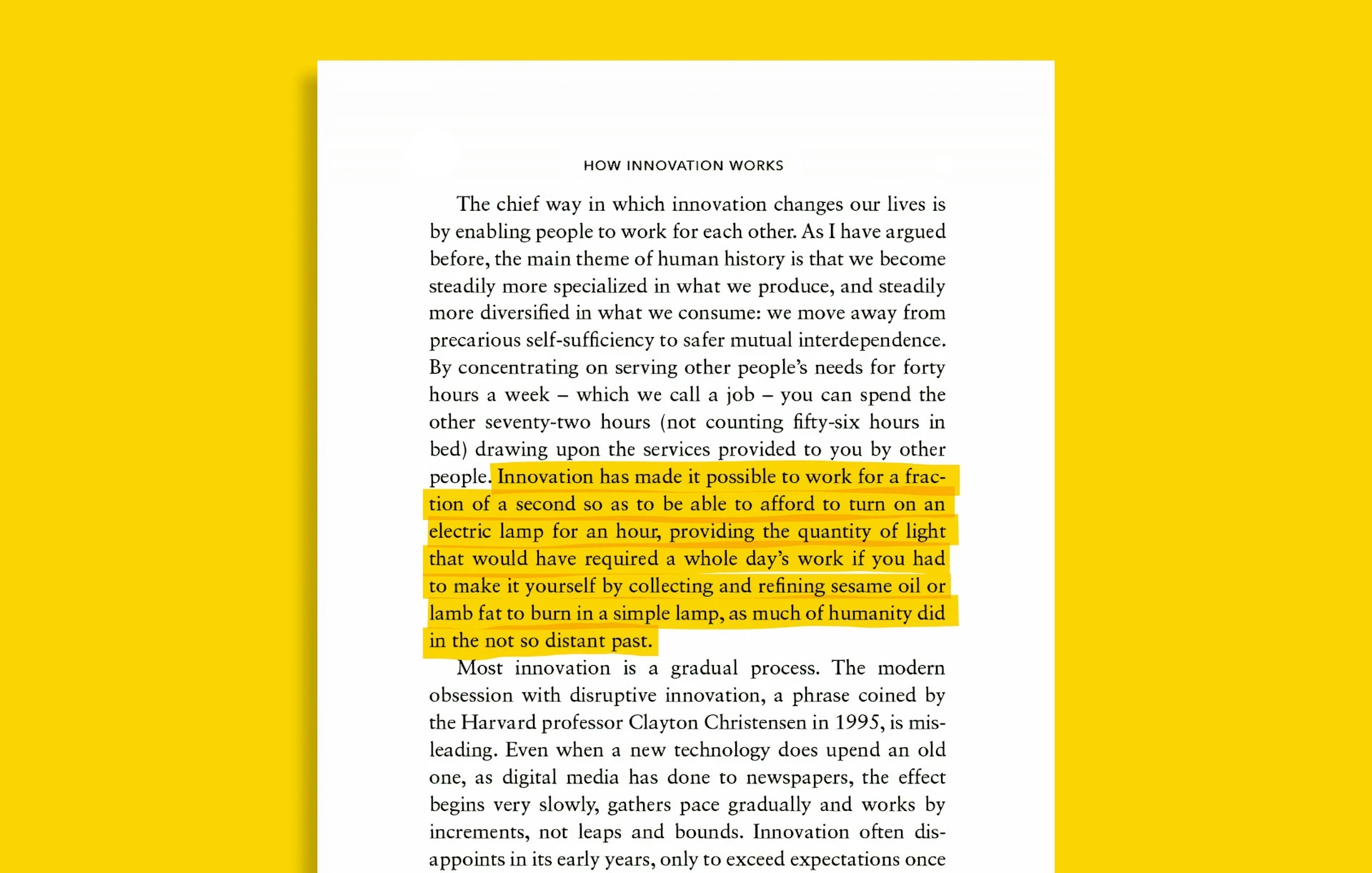
What Makes a PDF Different?
Unlike editable document formats such as Microsoft Word files, a PDF is designed to look the same everywhere.
For example, if you create a document on a Windows computer and send it to someone using a Mac, the formatting of a Word document may change due to differences in fonts, software versions, or settings. A PDF avoids these issues by embedding the document's layout directly into the file.
This means:
- Text remains in the correct position.
- Images stay where they belong.
- Fonts and formatting are preserved.
- Page layouts appear consistently across all devices.
Why Are PDFs So Popular?
1. Consistent Appearance
The biggest advantage of PDFs is consistency. A PDF looks the same whether it is opened on a computer, tablet, or smartphone.
This makes PDFs ideal for business documents, contracts, reports, forms, academic papers, and legal documents.
2. Easy Sharing
PDFs can be shared through email, messaging apps, cloud storage services, and websites without worrying about formatting issues. Many organizations require documents to be submitted as PDFs because they provide a predictable viewing experience.
3. Security Features
PDF files can include security options such as password protection, printing restrictions, copy restrictions, and digital signatures. These features help protect sensitive information and verify document authenticity.
4. Small File Size
PDFs can compress text and images efficiently, making them easier to store and share compared to many other document formats. Smaller file sizes also make downloads faster and reduce storage requirements.
5. Support for Interactive Elements
Modern PDFs can contain fillable forms, hyperlinks, buttons, embedded images, and electronic signatures. This makes PDFs useful for applications, registrations, surveys, and other interactive workflows.
Common Uses of PDF Files
PDFs are used in almost every industry. Some common examples include:
Business Documents
- Contracts & Agreements
- Invoices & Billing
- Purchase orders & Proposals
- Financial reports
Education
- Study materials & Syllabus
- Research papers & Journals
- Assignments & Portfolios
- Ebooks
Personal Documents
- Resumes & CVs
- Certificates & Diplomas
- Tax documents
- Personal records
Government and Legal Documents
- Applications & Licenses
- Official agreements
- Compliance paperwork
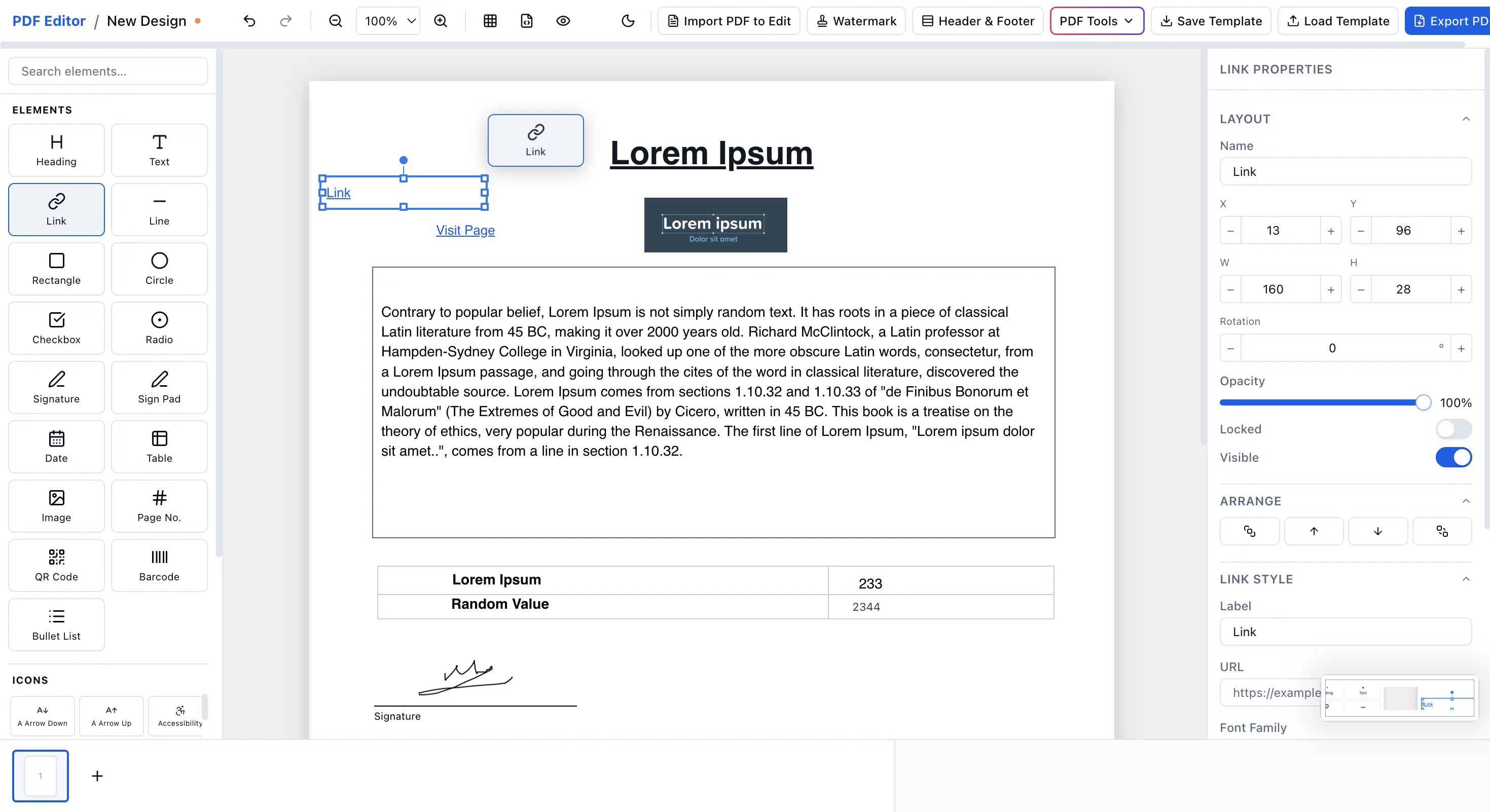
Can PDFs Be Edited?
Many people assume PDFs cannot be edited, but that is not true. Depending on the document, you can:
- Add and modify text
- Insert images & shapes
- Fill out non-interactive forms
- Sign documents online
- Rearrange, delete, or rotate pages
- Merge multiple PDFs together
- Extract specific pages
Modern browser-based tools make PDF editing easier than ever without requiring complex software installations. With EdiPDF, you can use our free PDF editor to change text or sign PDFs online privately.
Are Online PDF Editors Safe?
Not all PDF editors work the same way. Some services upload files to remote servers for processing. While convenient, this may not be ideal when working with confidential documents.
Privacy-focused PDF tools process files directly in your browser, allowing documents to remain on your device throughout the editing process. This approach can provide an additional layer of privacy when handling contracts, financial records, or sensitive personal information.
The Future of PDFs
Despite the growth of cloud collaboration tools, PDFs remain the preferred format for final documents, official records, and document sharing. Their combination of reliability, compatibility, security, and ease of use has made PDFs an essential part of modern digital communication.
Whether you're submitting a resume, signing a contract, sharing a report, or archiving important records, PDF continues to be one of the most trusted document formats available.
Conclusion
A PDF is a universal document format designed to preserve content and formatting across devices and platforms. Its consistency, security features, and ease of sharing have made it the standard format for businesses, schools, governments, and individuals around the world.
As digital document workflows continue to grow, PDF remains one of the most practical and dependable ways to create, share, and store information.
Frequently Asked Questions
What does PDF stand for?
PDF stands for Portable Document Format. It was developed by Adobe in the early 1990s to represent documents in a consistent manner regardless of device, hardware, or software.
Why is the PDF format so popular?
PDFs are popular because they preserve layout, formatting, fonts, and structures perfectly across all screen sizes and platforms, including mobile phones and computers.
Can PDFs be edited for free?
Yes. EdiPDF provides browser-based utilities to edit PDF text, merge documents, split sheets, sign pages, and organize content. There is no sign-up wall and no watermark.
Are online PDF editors safe?
Standard web-based tools upload files to remote servers, posing a security risk. EdiPDF runs entirely client-side using local browser memory and WebAssembly; your files never leave your device.